Free WhatsApp Chat Button Generator
Make it easy for your website visitors to contact you on WhatsApp. Customize your button, configure your widget, and get your embed code in seconds — completely free.
 Generate My Button
Estilo del botón de chat de WhatsApp
Ajustes del widget de chat de WhatsApp
Configure your WhatsApp number, welcome message, and widget branding.
Vista previa del botón de chat
How to Create Your WhatsApp Chat Widget
Three simple steps to add a WhatsApp Chat Button to your website.
Select Your Button Style
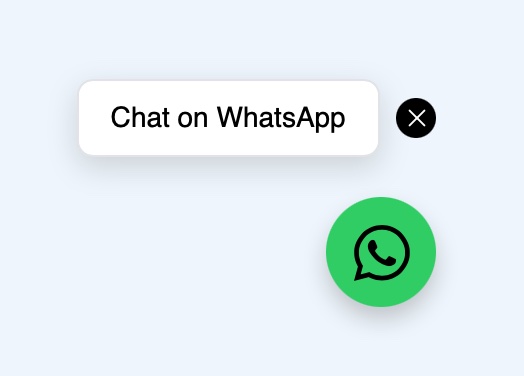
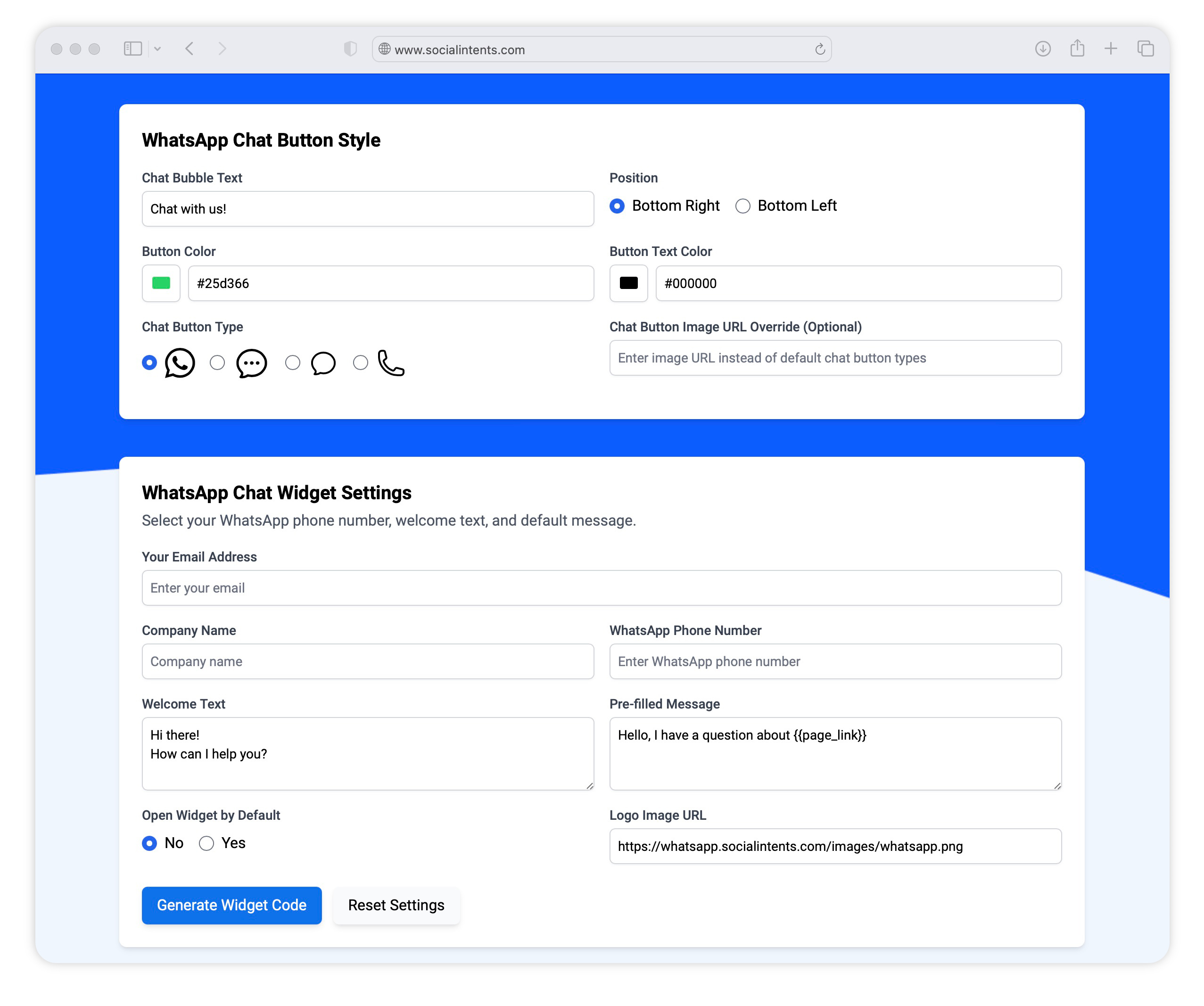
Choose your colors, icon type, and chat bubble text for your free WhatsApp Chat button.
Add Your Widget Details
Enter your chat widget call-to-action text, your company logo, and your WhatsApp phone number for visitors to message you.
Embed the Code Snippet
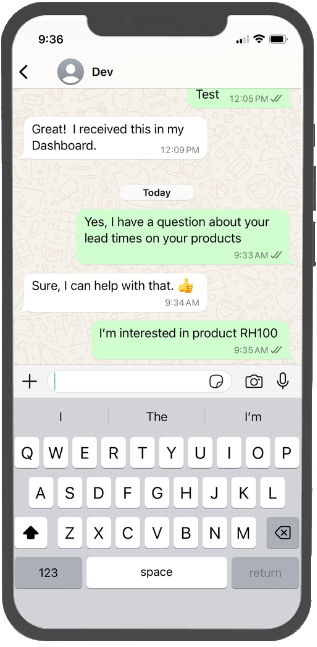
Add your custom WhatsApp chat code snippet to your website. Once added, the chat button will open the visitor's WhatsApp prefilled with your default message.
Más funciones de integración de WhatsApp
With Social Intents, you can answer visitor WhatsApp messages right from our Team Inbox or create AI Chatbots to automatically answer questions.
-
 Chatbots de WhatsApp
Entrena tu contenido empresarial y crea chatbots con IA para responder automáticamente a las consultas de WhatsApp.
-
 Respuestas personalizadas
Send chat templates to your visitors for common inquiries.
-
 Agentes ilimitados
Add as many team members as you need on Basic plans and above. No per-agent pricing. Grow live chat as your team grows.
-
 Compartir archivos
Send files to your chat visitors and let visitors upload files, right from WhatsApp.
-
 Respuestas rápidas
Utiliza los atajos de respuesta para enviar respuestas predeterminadas a las preguntas más habituales.
-
 Horario en línea
Set your chat to be online and offline during typical office hours.
-
 Informes
Vea cómo le va con los informes del chat. Exporte datos a sus sistemas externos.
- Bandeja de entrada del equipo
Manage all WhatsApp conversations from a shared team inbox — no phone required.
WhatsApp Chat Button FAQs
Is the WhatsApp chat button generator free?
Yes. Choose a button style, enter your WhatsApp number and welcome text, then copy the generated code snippet and paste it into your site. There is nothing to install.
Do I need the WhatsApp Business API for a chat button?
No. A chat button opens a normal WhatsApp conversation with your number, so it works with the standard WhatsApp Business app. You only need the WhatsApp Business API when you want several agents answering one number, AI chatbots, or automation. That is covered by our WhatsApp live chat product.
What is the difference between a chat button and a shared WhatsApp inbox?
A button starts the conversation. Where that conversation lands is a separate question. On its own, messages arrive in the WhatsApp app on a single device. A shared WhatsApp team inbox lets your whole team see and reply to the same number, with conversation history kept in one place.
Can I prefill the first message?
Yes. The welcome text you enter above is added to the chat so the visitor only has to press send. Prefilled text is a starting point, not a lock, since visitors can edit it before sending.
Does the button work on desktop as well as mobile?
Yes. On a phone the button opens the WhatsApp app, and on a computer it opens WhatsApp Web or the desktop app, so the same snippet covers both.